Captures
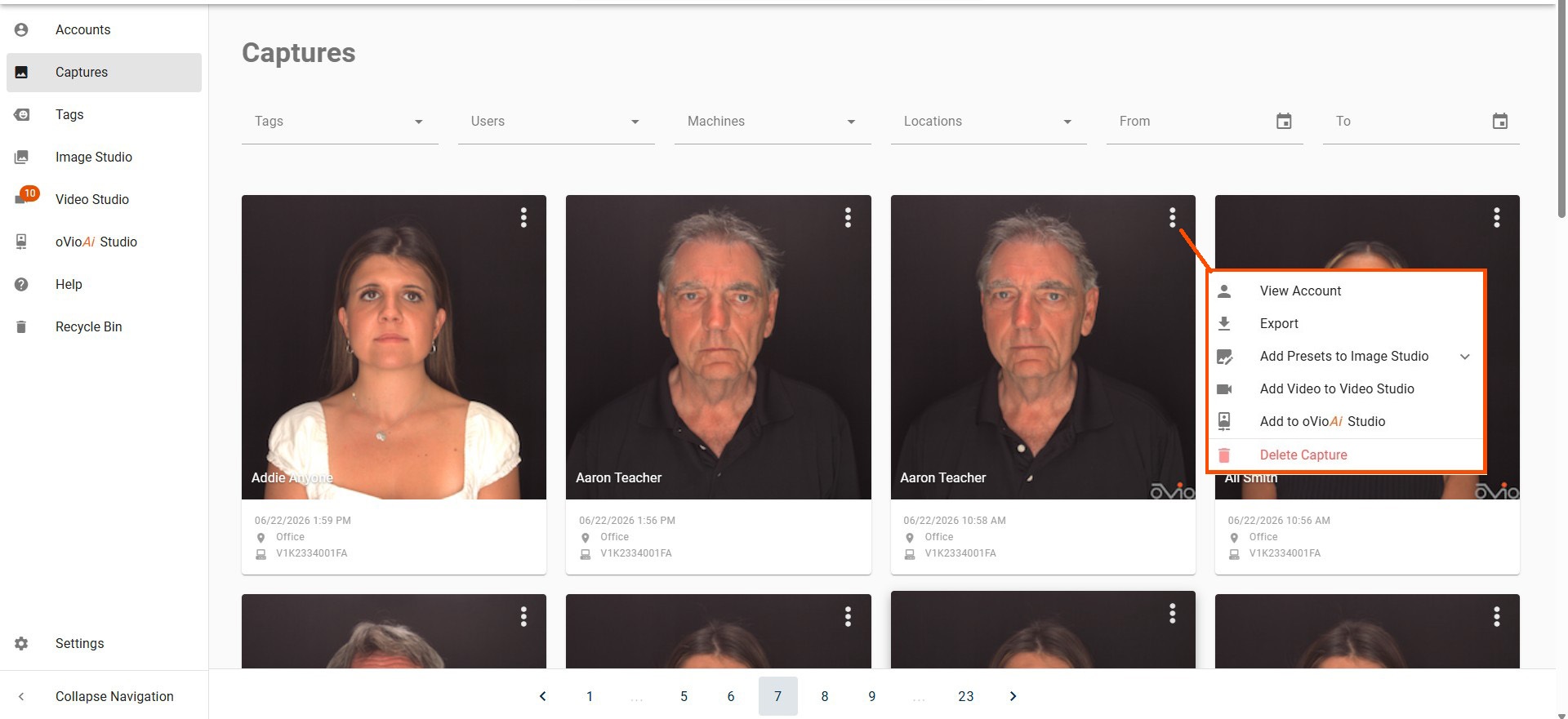
Selecting the Captures tab in the left menu will display all Captures stored in the database, in descending order. Clicking on the ellipsis in the upper right of any displayed Capture will show a drop down menu that will allow User to View Account, Export the Capture file, Add images to Image, Video, or Ai Studio, or Delete the Capture. At the bottom of the Captures page there is a bar showing all the pages of Captures which can be advanced to by clicking on the desired page. This bar stays pinned while scrolling through each page.
Filters
At the top of the Captures Page, there are filters that allow the User to narrow the search results by Tags, Users, and Date or Range of Dates. Additional filters for machine and location will be available for Users with a cloud installation.