User Profile
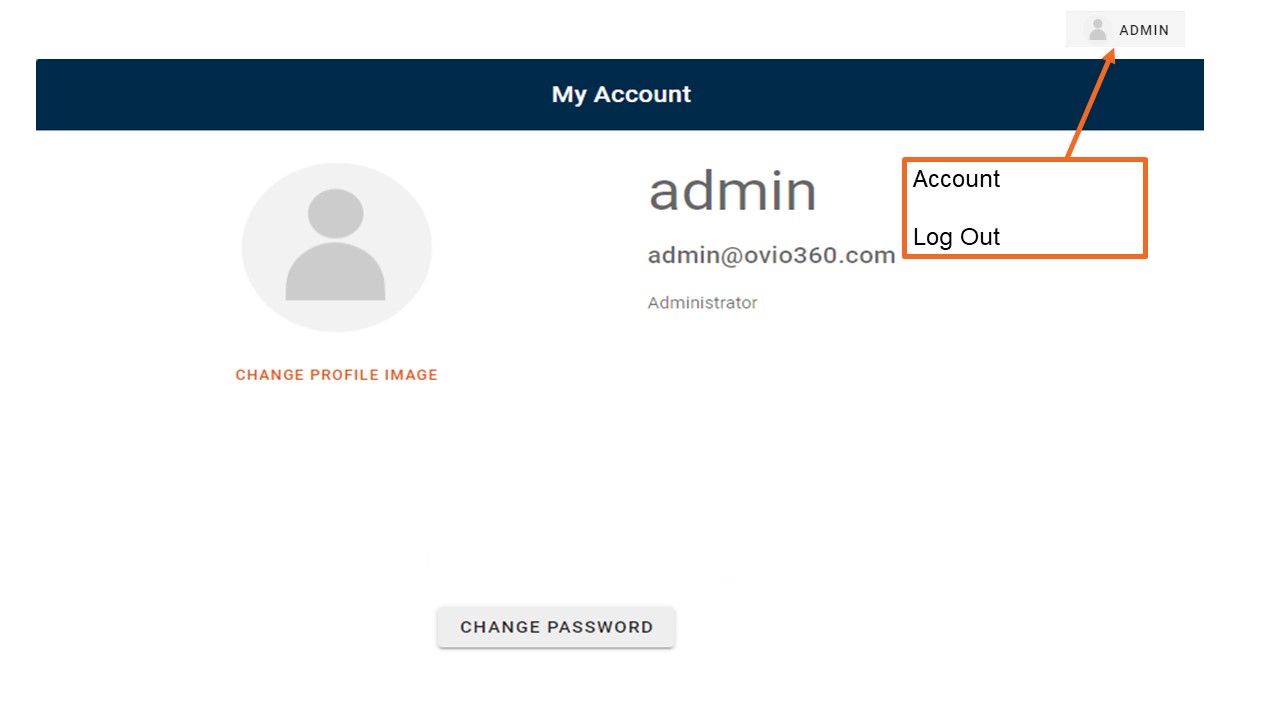
Users may access their individual profiles by clicking on their username in the upper right and then clicking on the "Account" icon. A pop up box will appear for editing. User can change their password on this page by entering a new password and reentering it to confirm the new password. If a User does not remember their current password for a cloud connected account at login, they can utilize the "Forget Password" functionality at the bottom of the login window. They will be prompted to enter their username and their email address. An email will be generated to the email address from support@ovio360.com and User will be returned to the login screen. User should open the email and click the link to authenticate a new password which can then be entered on the login screen.
Users can also elect to upload an image for their profile photo. Note: uploads must be no larger than 200x200 pixels or 2MB in file size. Photos can be reduced within any photo software prior to uploading.